Get Started
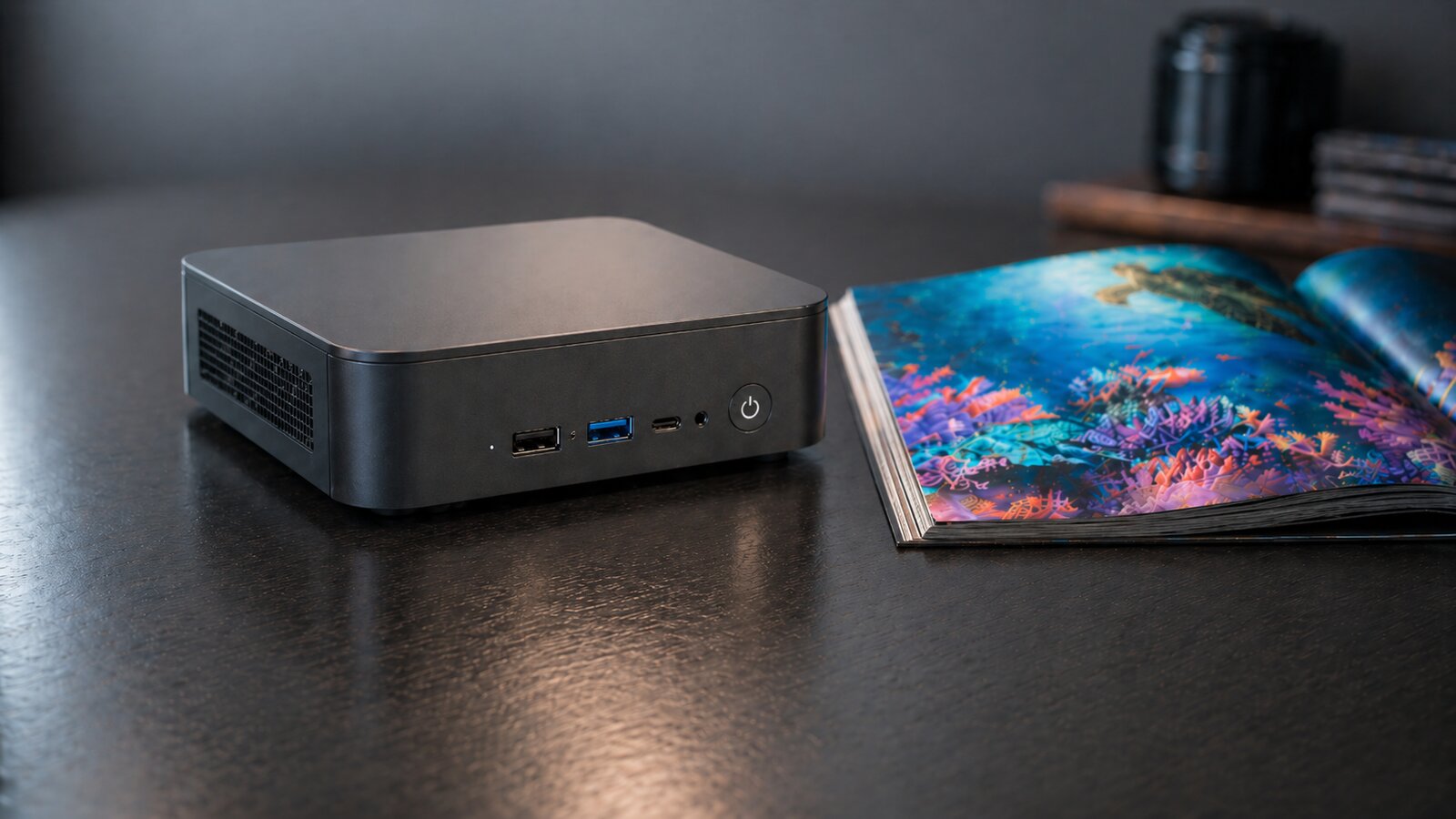
Bring a PC
Old laptop, mini-PC, used NUC, or a high-end server with GPUs.
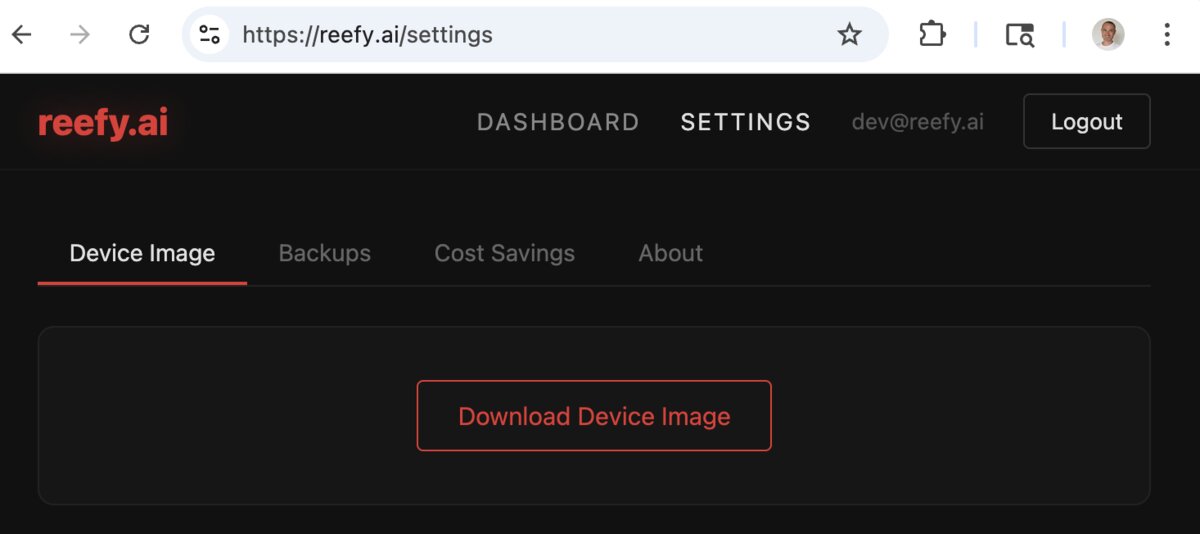
Download the Reefy image
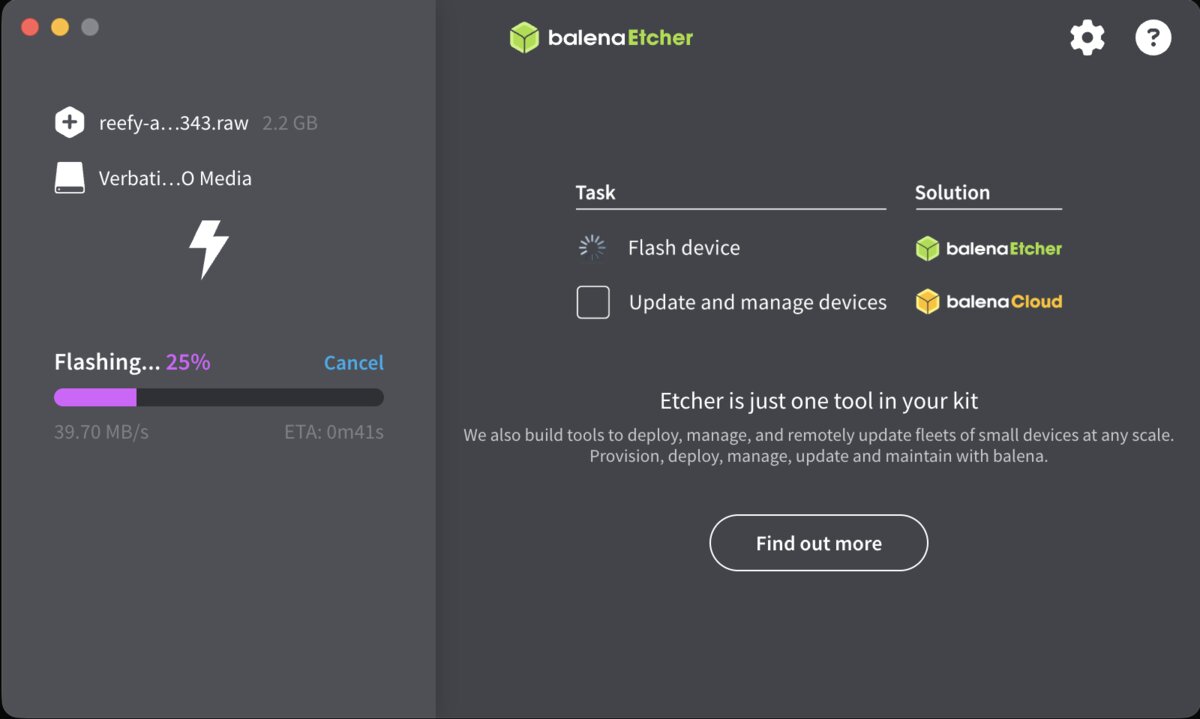
Flash to a USB stick
Use Balena Etcher - cross-platform, drag the reefy.raw file in, pick your USB, click flash.
Command-line (Linux/macOS, no GUI)
sudo dd if=reefy.raw of=/dev/sdX bs=4M
Boot the PC from USB
Plug in the USB, power on, hit Esc or Del to open the boot menu. Pick the USB. Reefy boots in ~15 seconds.
Optional: if boot is blocked
Disable Secure Boot in your BIOS. Common path: Security → Secure Boot → Disabled.
Adopt the device
Your device shows up automatically in the Reefy dashboard once it's online. Click Adopt, give it a name. Done - you're ready to install apps.
What you can do with Reefy
Control your PC from anywhere
Built-in web terminal with on-screen control buttons gives you a real terminal experience even from your phone.
Manage your reefs on the go.
Run private AI agents
Run multiple OpenClaw and Hermes agents. Spin them up for different tasks - fully isolated.
Move to a new PC like it's a new iPhone
Your apps and data are encrypted and backed up to the cloud. Use Adopt & Clone to restore everything and get back to work in minutes.
NVIDIA GPU acceleration, out of the box
Reefy ships with NVIDIA drivers built-in - just start Ollama or any other GPU-aware tool and it works.
Can't brick it
A/B firmware with a hardware watchdog: a bad update auto-rolls back to the previous working version. Critical for devices in closets, attics, and other hard-to-reach places.