All your cameras in one place
Check live streams on your phone wherever you are. No separate mobile app is required. At the security desk, use a big-screen mosaic view for everyday monitoring.
Device included. Money-back guarantee.
Ships to all 50 US states.
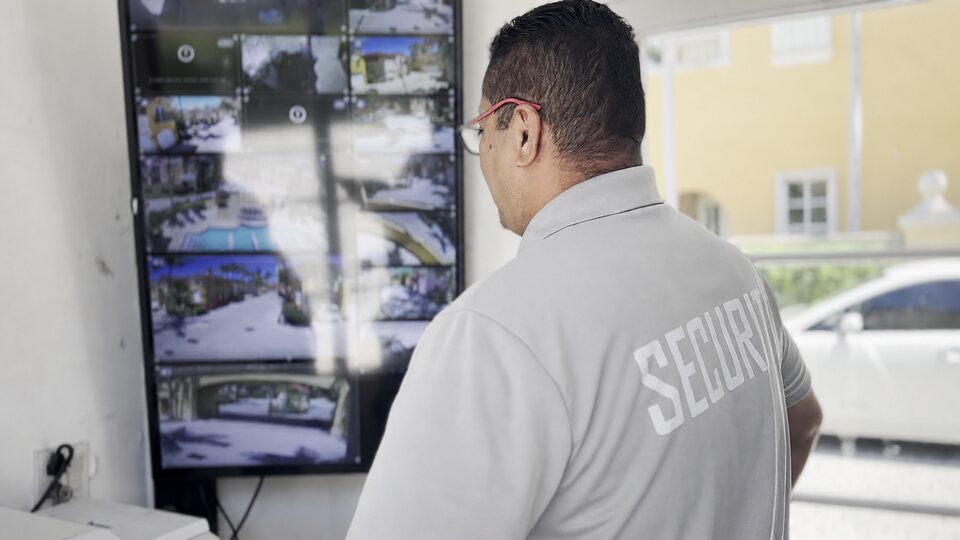
Check live streams on your phone wherever you are. No separate mobile app is required. At the security desk, use a big-screen mosaic view for everyday monitoring.
Browse events with people, cars, dogs, and other detected objects. Filter by object type and date, then jump straight to the relevant footage.
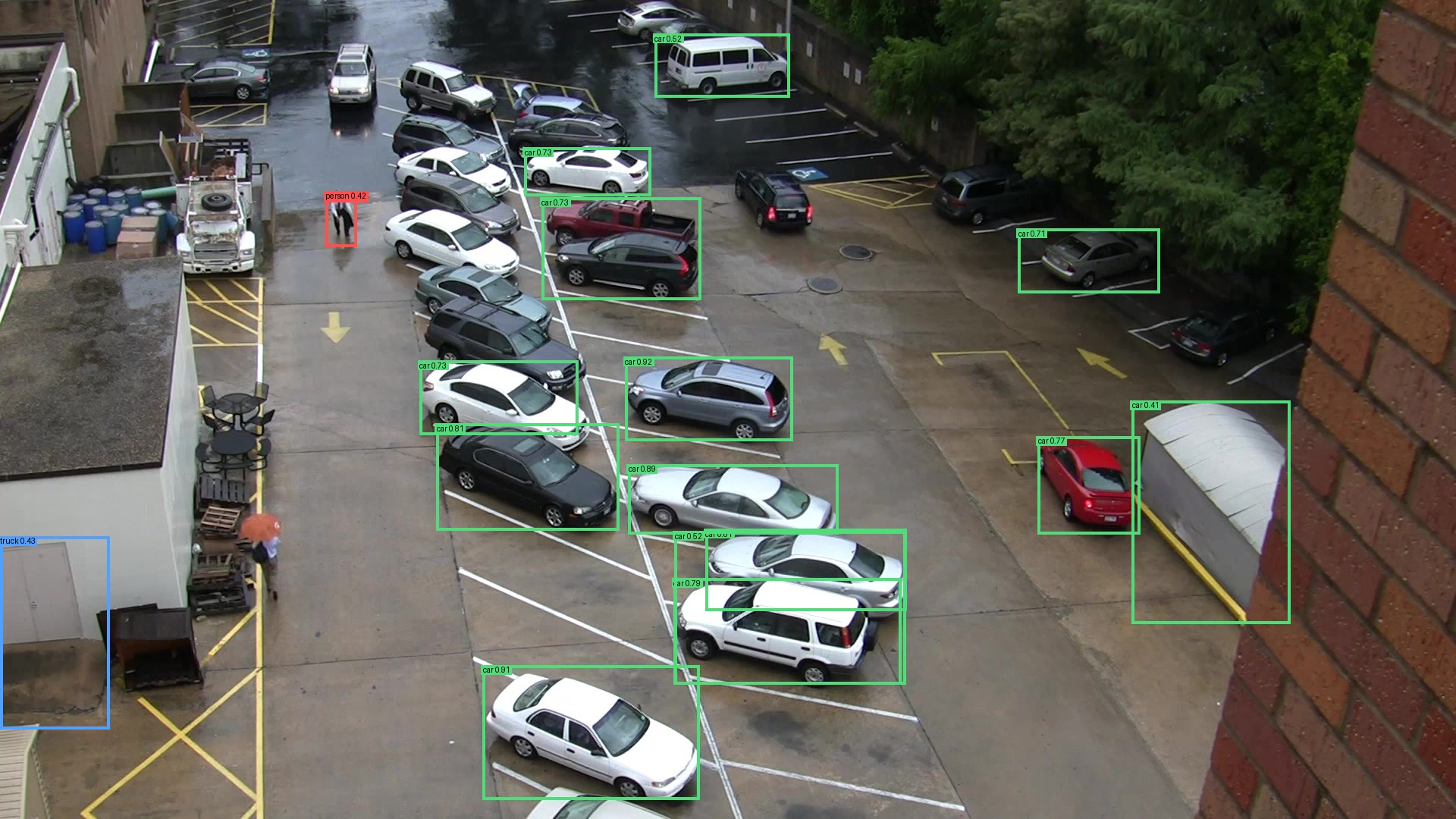
Recordings and object detection stay on your Reefy device at your property. Footage is not uploaded to the cloud for storage or analysis. You choose which clips to export and share.
Export incident clips as standard video files to share with authorities, your HOA, or anyone who needs them.
CamAdmiral keeps a history of camera outages. Connect Telegram for alerts when a camera goes offline and when it recovers.
Give your community’s maintenance person a clear task: check the affected camera and restore its video feed.
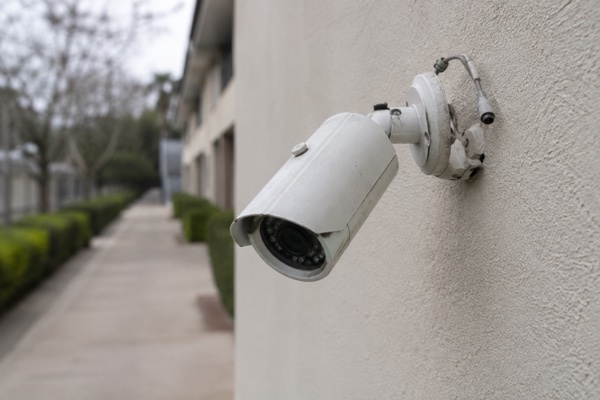
Review reported trespassing, theft, or vandalism. Find relevant footage and export clips to share.
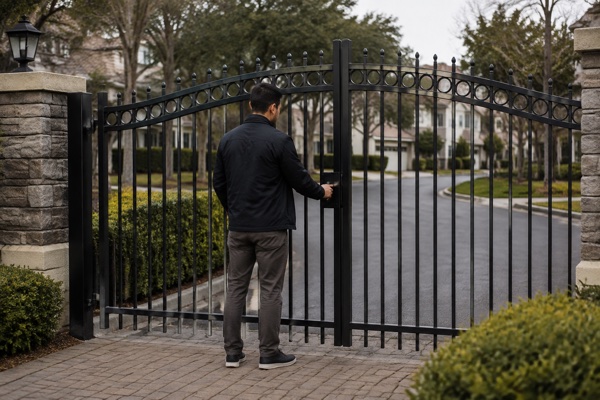
Look into reports about pet cleanup, trash disposal, parking, or unsafe driving.
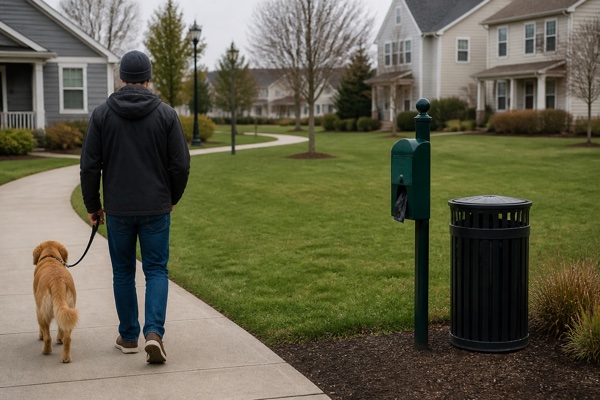
Help staff check whether a delivery vehicle visited today or review activity around shared facilities.

Reefy works with many modern Wi-Fi and PoE cameras that support ONVIF or RTSP, including compatible models from Reolink, Amcrest, TP-Link Tapo, ANNKE, and other brands. Compatibility depends on the model.
A powerful computer about the size of a phone, with a built-in Neural Processing Unit (NPU) for efficient object detection on your camera streams.
Video processing and recordings stay on the device at your property.
Plug in power, connect Reefy to your local network with an Ethernet cable, and press the power button.
Open CamAdmiral and click Scan network to discover compatible cameras. Select Adopt and enter each camera's login details.
Add your cameras to recording and detection, then start viewing streams and browsing events.

$99/month
Reefy device included.
Up to 25 cameras. 500 GB of recording storage. Live viewing, object detection, event search, video export, and camera health monitoring.
Send your details below. We'll email you to confirm your order and arrange payment and delivery.