Run OpenClaw, Ollama, and more on your own PC
Private. Local. Open source. Simple.
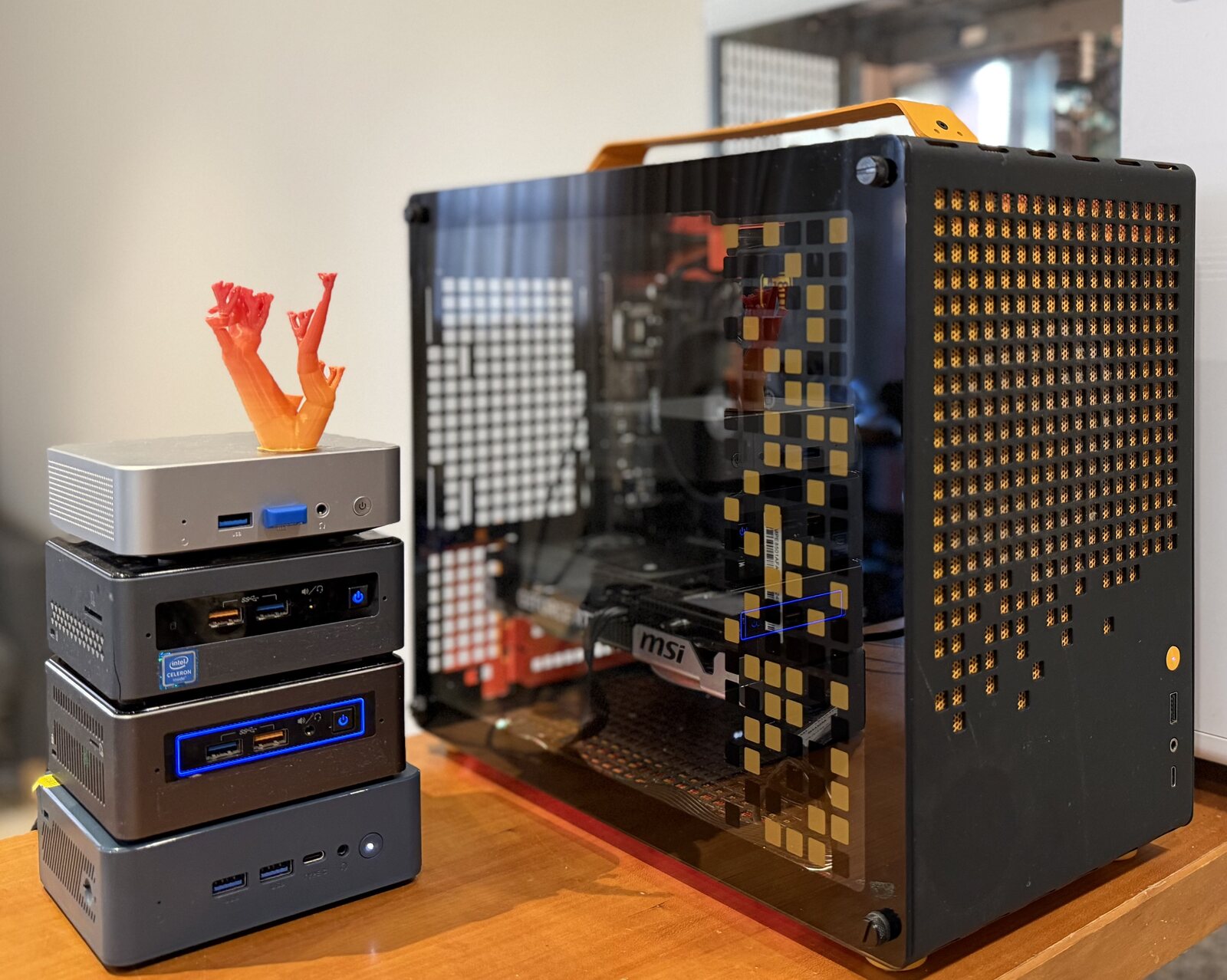
Learn More ↓Old laptop, mini-PC, used NUC, or a high-end server with GPUs.
Use Balena Etcher - cross-platform, drag the reefy.raw file in, pick your USB, click flash.
sudo dd if=reefy.raw of=/dev/sdX bs=4M
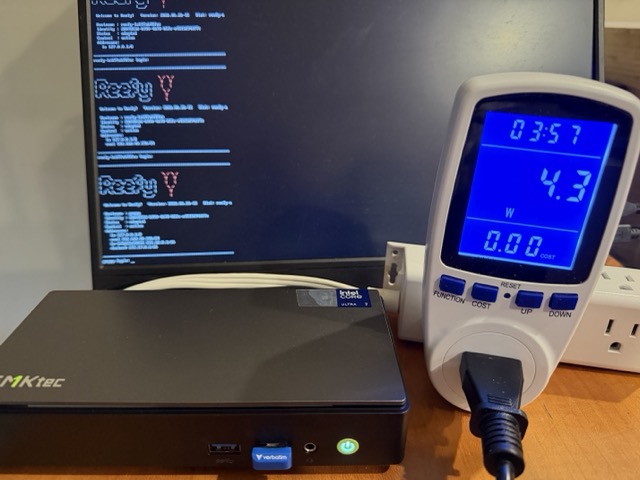
Plug in the USB, power on, hit Esc or Del to open the boot menu. Pick the USB. Reefy boots in ~15 seconds.
Disable Secure Boot in your BIOS. Common path: Security → Secure Boot → Disabled.
Your device shows up automatically in the Reefy dashboard once it's online. Click Adopt, give it a name. Done - you're ready to install apps.
Built-in web terminal with on-screen control buttons gives you a real terminal experience even from your phone.
Manage your reefs on the go.
Run multiple OpenClaw and Hermes agents. Spin them up for different tasks - fully isolated.
Don't pay per token - use your flat-rate subscription with AI agents. Reefy hides all the OAuth complexity for you.
Use at your own risk and have a read of your provider's terms - allowed use varies by plan.
Your apps and data are encrypted and backed up to the cloud. Use Adopt & Clone to restore everything and get back to work in minutes.
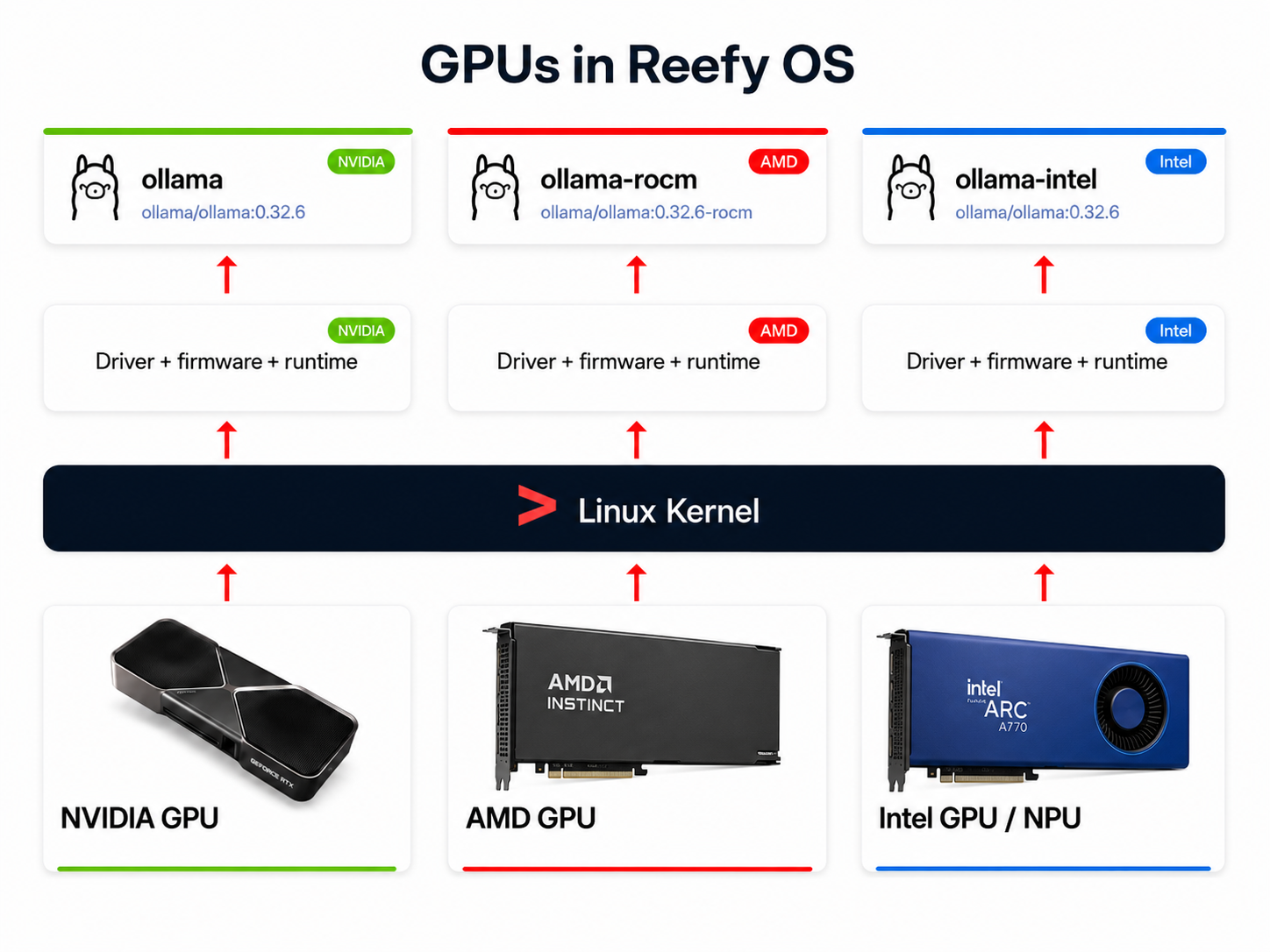
Reefy ships with NVIDIA drivers built-in - just start Ollama or any other GPU-aware tool and it works.
Save hours of setting up a monitoring system - Reefy ships with CPU, NVIDIA GPU, memory, disk, network, temperatures and fans fully integrated and charted from the second you boot the device. All out of the box, zero effort required.
A/B firmware with a hardware watchdog: a bad update auto-rolls back to the previous working version. Critical for devices in closets, attics, and other hard-to-reach places.