Bring a PC
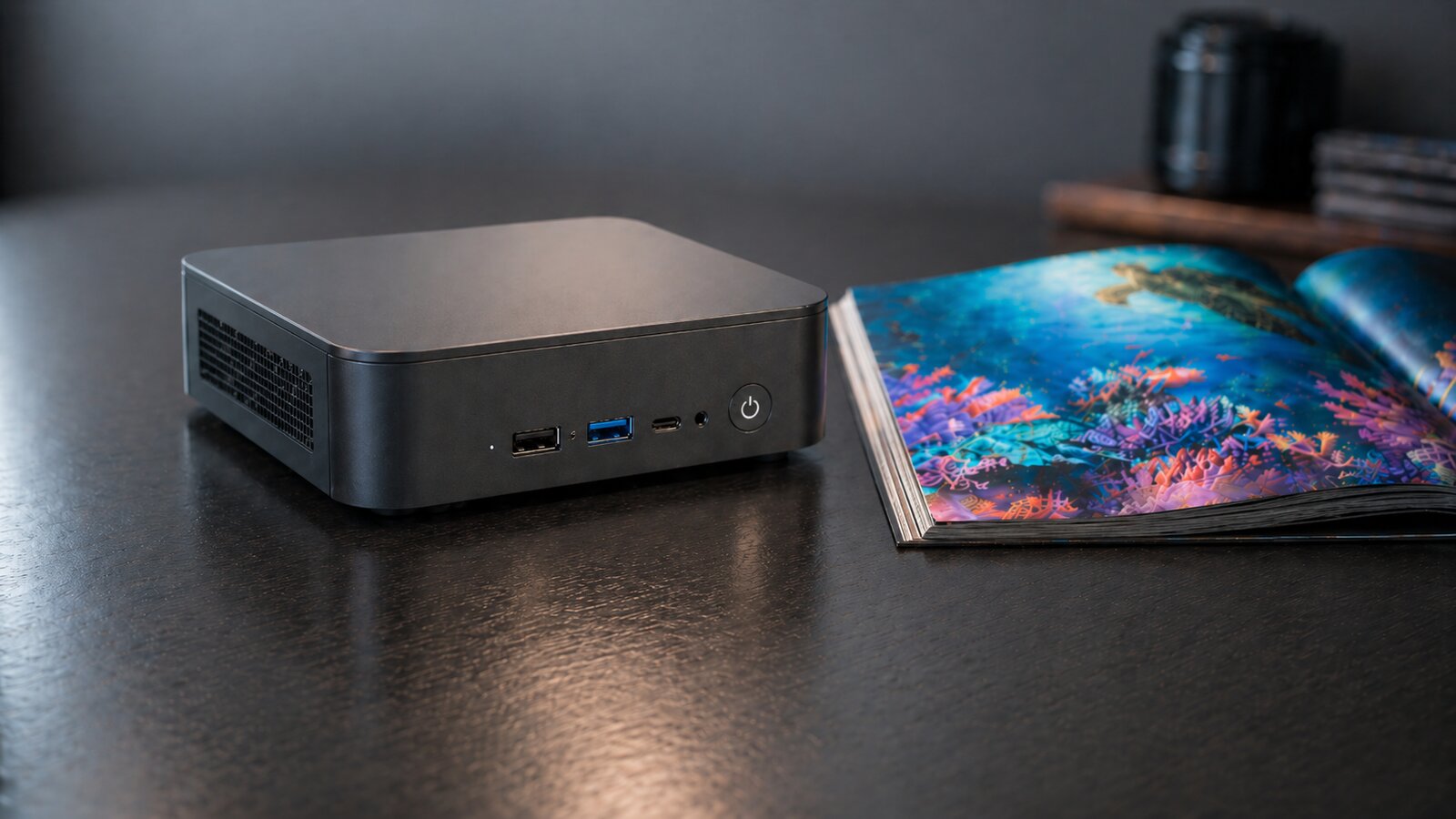
Old laptop, mini-PC, used NUC, or a high-end server with GPUs.
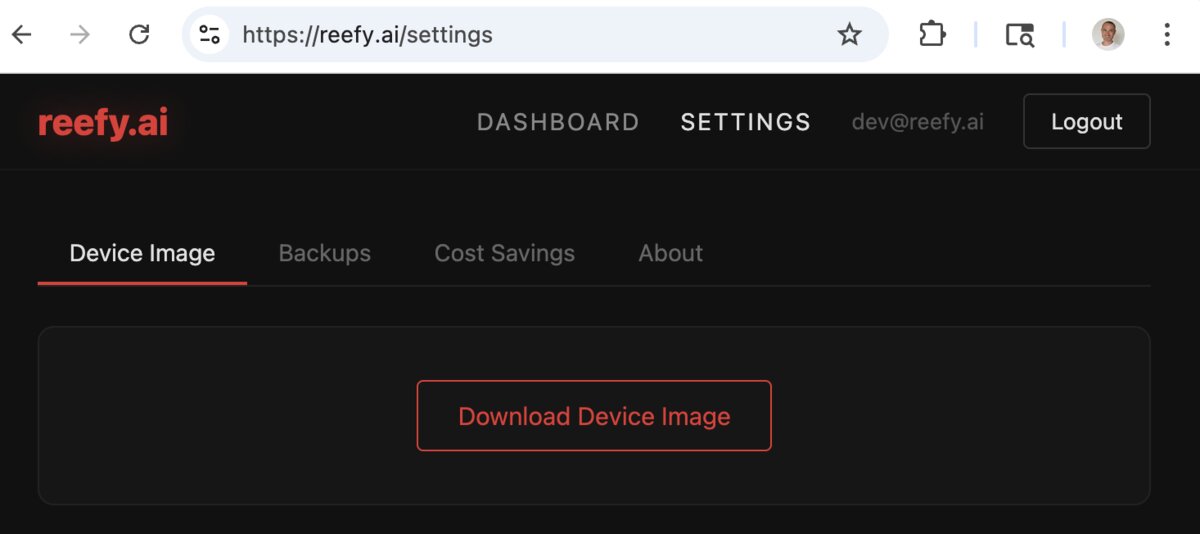
Download the Reefy image
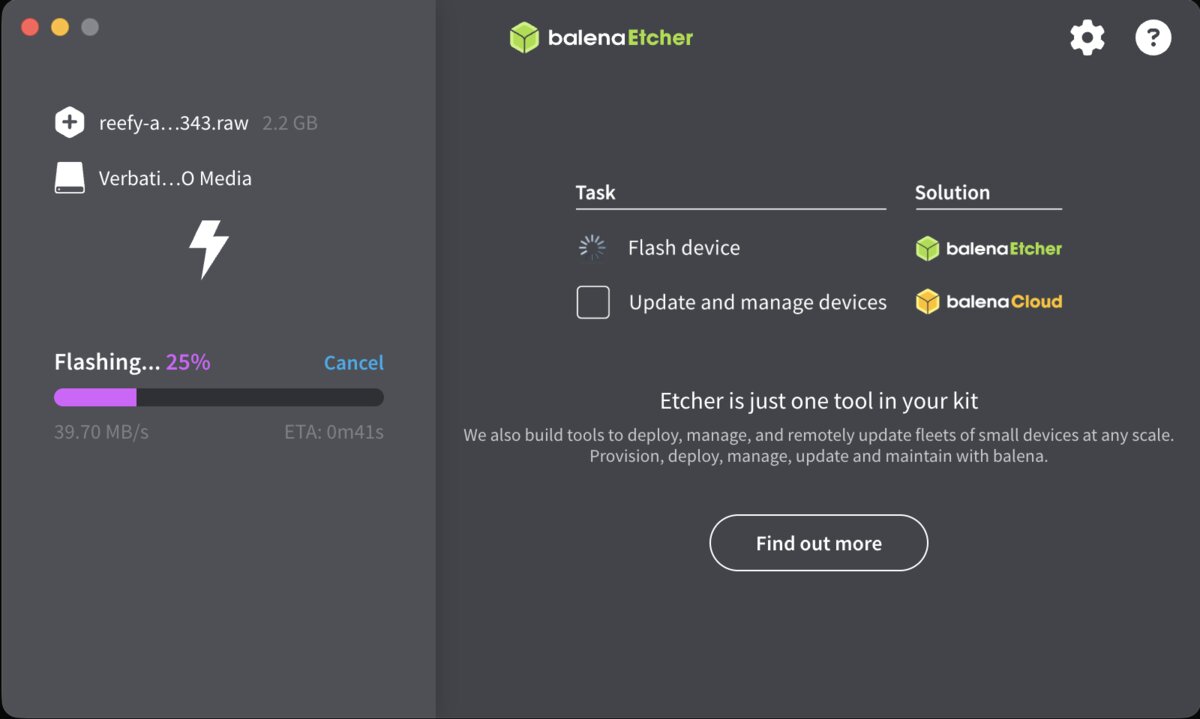
Flash to a USB stick
Use Balena Etcher - cross-platform, drag
the reefy.raw file in, pick your USB, click flash.
Command-line (Linux/macOS, no GUI)
sudo dd if=reefy.raw of=/dev/sdX bs=4M
Boot the PC from USB
Plug in the USB, power on, hit Esc or
Del to open the boot menu. Pick the USB. Reefy boots
in ~15 seconds.
Optional: if boot is blocked
Disable Secure Boot in your BIOS. Common path: Security → Secure Boot → Disabled.
Adopt the device
Your device shows up automatically in the Reefy dashboard once it is online. Click Adopt, give it a name. Done - you are ready to install apps.
ChatGPT plugin · Private preview
Control AI Computers with ChatGPT
Tell ChatGPT what you want to run. The Reefy plugin connects your conversation to your own AI computers, so you can find devices, set them up, and start supported apps from the same chat.
From a request to a running app
Ask to run Ollama on your Reef, set up an AI agent, or see which computers are online. The plugin reads your connected Reefy account, helps identify the right device, and carries out the supported operation. During setup, it can show progress and provide an Open app control when the app is ready.
You still bring the computer and flash the USB drive. ChatGPT can guide you through those steps, then help adopt the device after it comes online. Storage erasure and firmware updates that reboot the computer require your explicit approval.
Try asking
Which of my Reefy computers are online?
What hardware does my Reef have?
Help me set up my first Reefy computer.
Start Ollama on my Reef.
Open the app I installed.
Your hardware, connected to your conversation
The apps run on your Reefy computer. ChatGPT provides the conversation and requests actions through the plugin. Device information and operation results used in the chat are shared with ChatGPT; connecting the plugin does not make ChatGPT itself a local app.
The connection uses your Reefy account and its permissions. The plugin offers specific device and app operations through the Model Context Protocol (MCP), rather than an unrestricted shell. Progress cards and automatic follow-up depend on the ChatGPT client and its permissions.
Join the private preview
The Reefy ChatGPT plugin is in private preview. Request preview access and we will share the connection details. Once connected, sign in to your Reefy account and tell ChatGPT what you want to run.
Start with Reefy
Sign in to adopt and manage your Reefy device.